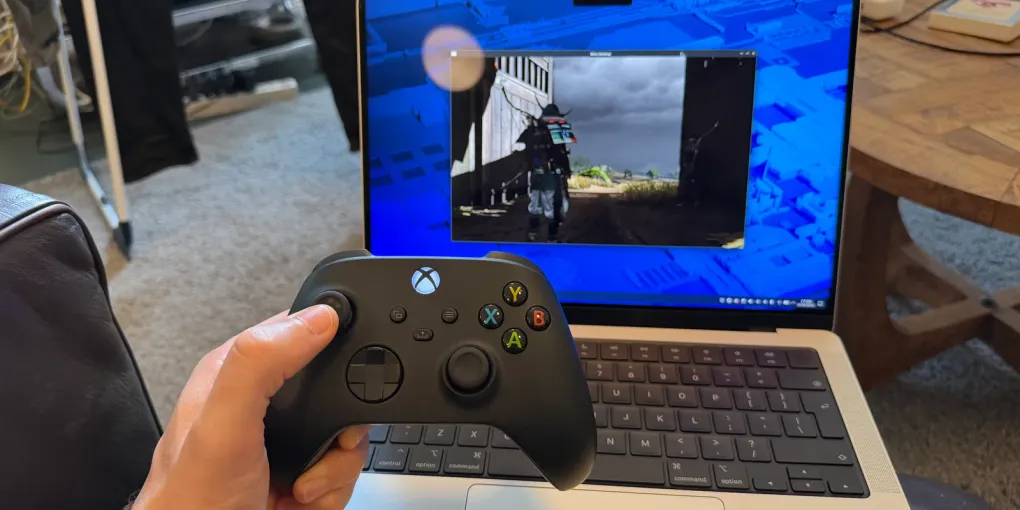
Optimising M1 GPU drivers under Asahi for gaming fun
Apple hardware is great and ARM generally has been a fun platform to work with over the years. We’ve come a long way from the early Raspberry Pis to the high performance ARM processors found in M-series Macs. It feels like it wasn’t that long ago that the M1 series machines were super whizz-bang and brought wild performance improvements to personal computing… and now those same machines are kind of… old.
The thing is, they’re still really capable and will continue to be so for some time to come. They’re also really power efficient, radically so, easily beating the Raspberry Pi 5 for long running tasks. And of course, in the age of the RAM-apocalypse these machines are relatively affordable.
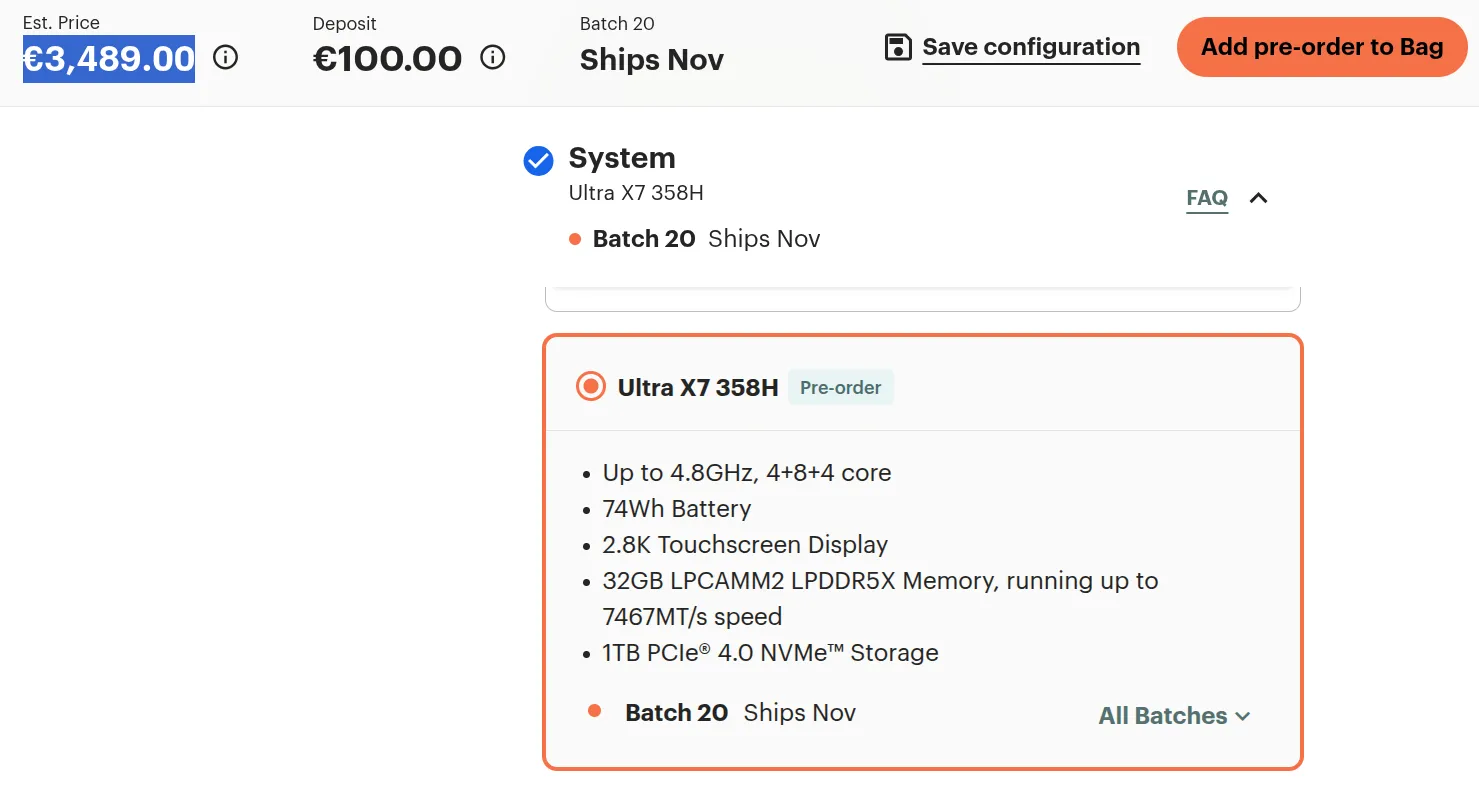
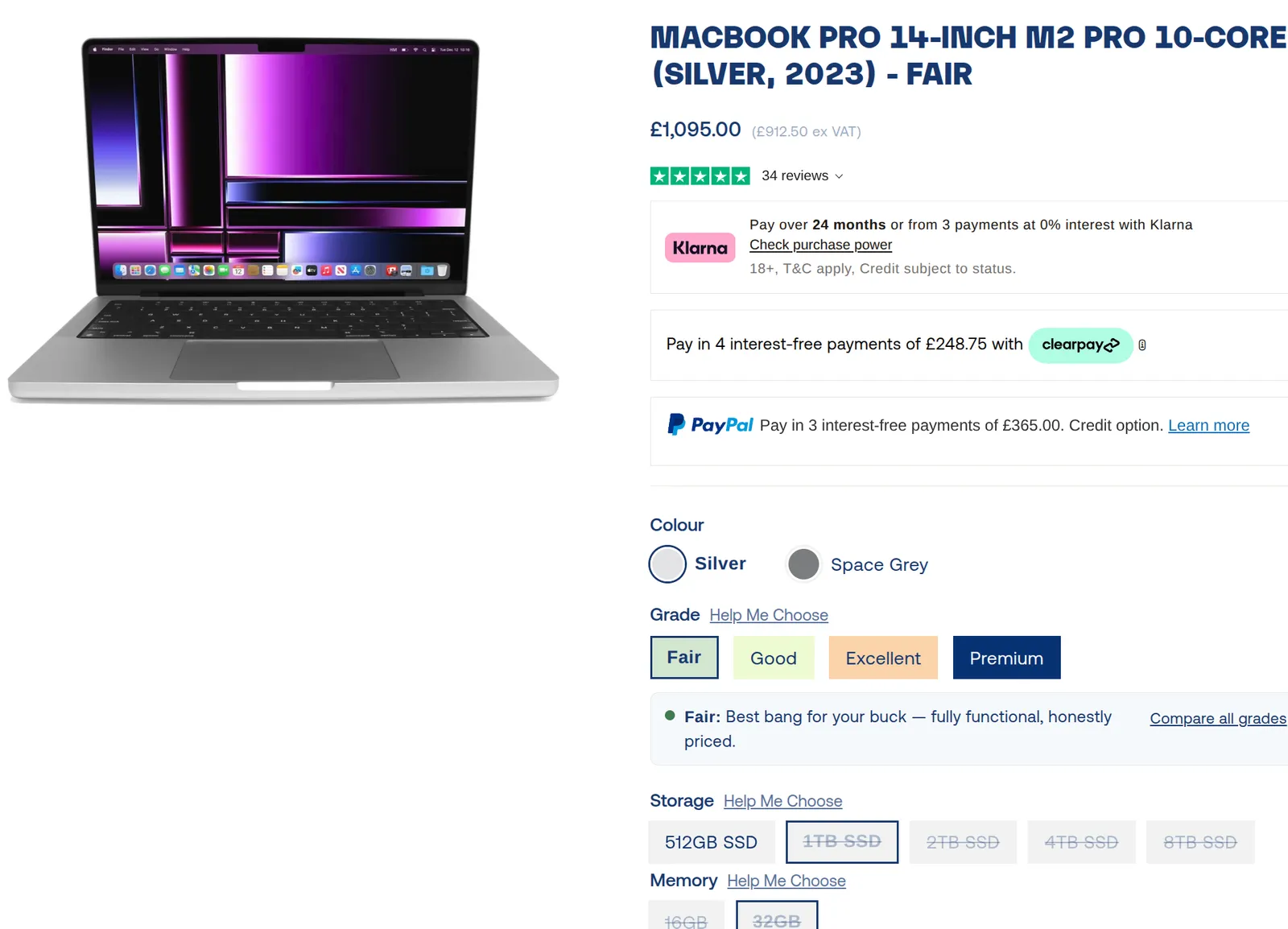
I admit these machines aren’t perfectly equivalent, but I consider this to be a very compelling deal. Framework, nice concept, but they have loads of issues 😆
Just generally keeping old hardware working is cool - my partner’s old M1 work laptop is proving to be a great home server.
So, I’ve been keeping an eye on Hoxton Macs for a bashed up M1 Macbook for reverse engineering fun and… and recently one caught my eye - in “Fair” condition (beat up), 32 GBs of RAM, M1 Max SoC… perfect.
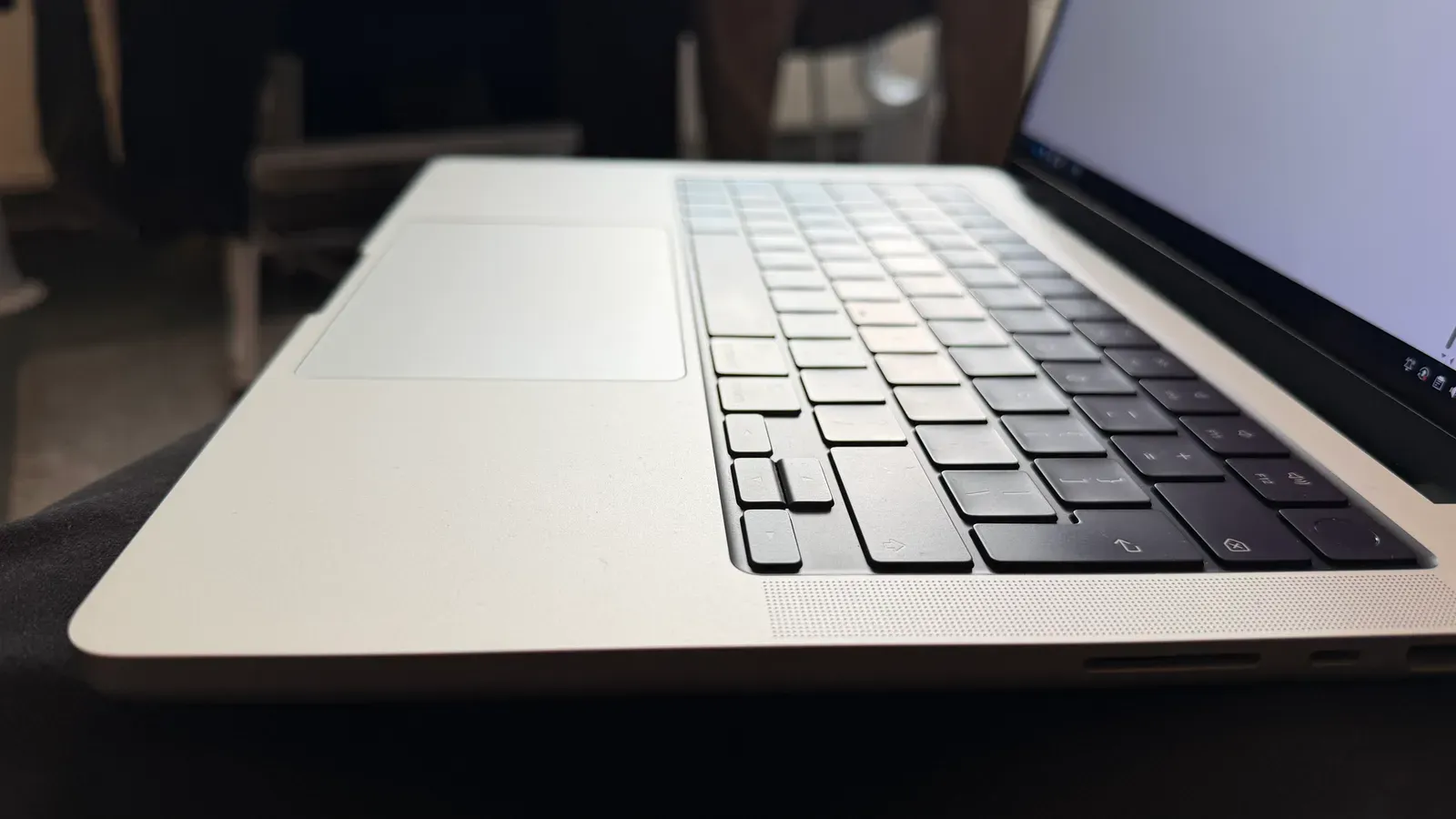
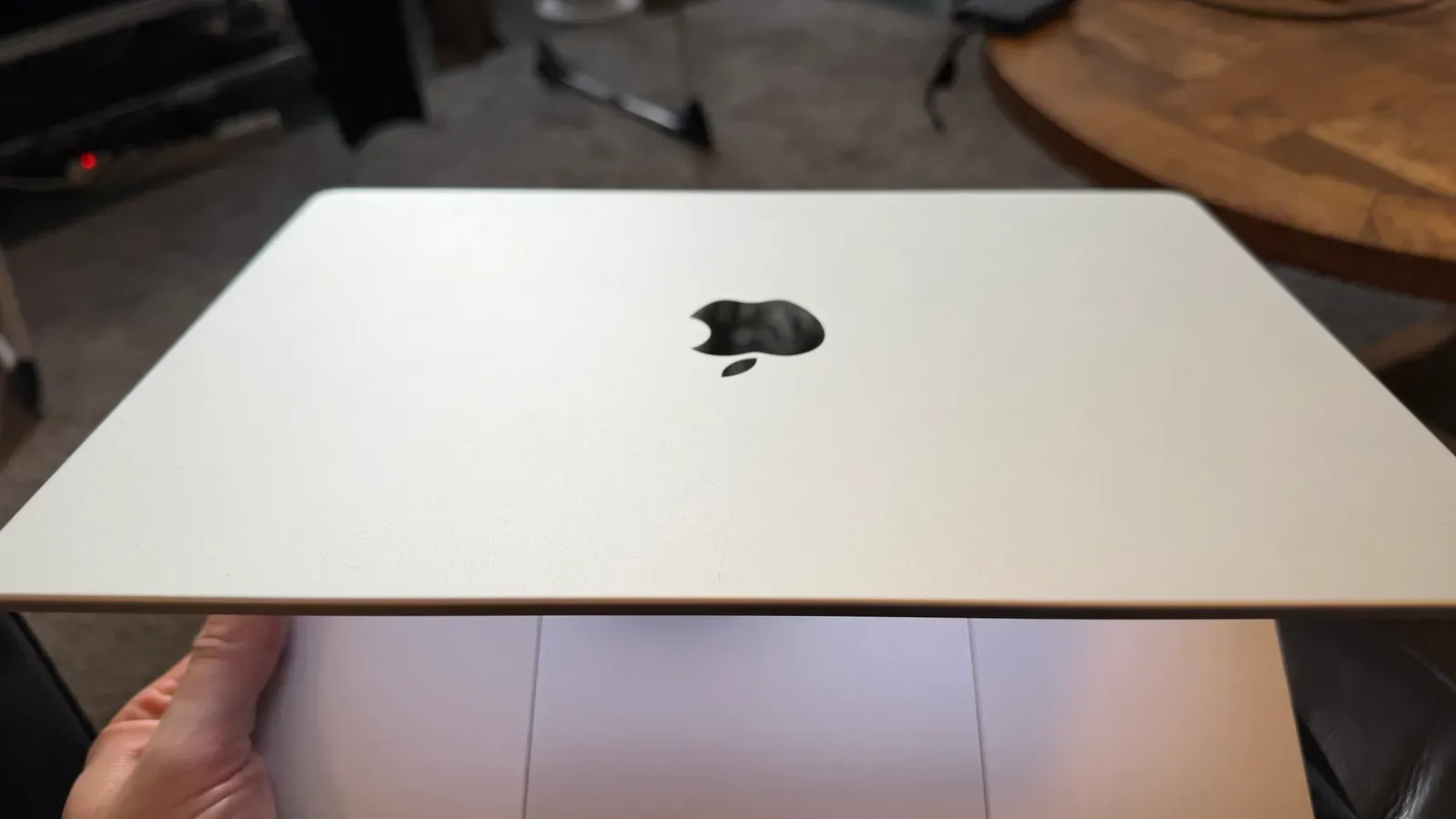
What arrived was in mint condition, 98% battery design capacity remaining. It’s in too good condition 😆🙈. And it was far cheaper than the above. Amazing.
Now I could try a few things. First I partitioned the 1 TB SSD into half-n-half Mac OS and Fedora Asahi Remix, and then I proceeded to install Steam and attempt to run The Ghost of Tsushima. This is a really demanding title that I’ve been enjoying on my Lenovo Legion Go 2 lately. Would it run on this Macbook under Asahi’s default emulation?
mmm, well, it ran 😅, but at 5-6 fps. Not great, certainly not playable.
So I set about asking Claude to build a test harness for the game, which involved starting Steam, starting the game, clicking through the launcher and menu, settling on an in-game scene and taking a screenshot. This gave Claude a feedback loop to operate in, which meant limited involvement from me. I’m underselling how finicky and time consuming this was - but it got there.
At my behest Claude then set about cloning the Mesa source and enabling debug flags, profiling compute and memory, etc.
Every major performance chunk was profiled, investigated and eventually attempts were made to address each unknown block of compute usage.
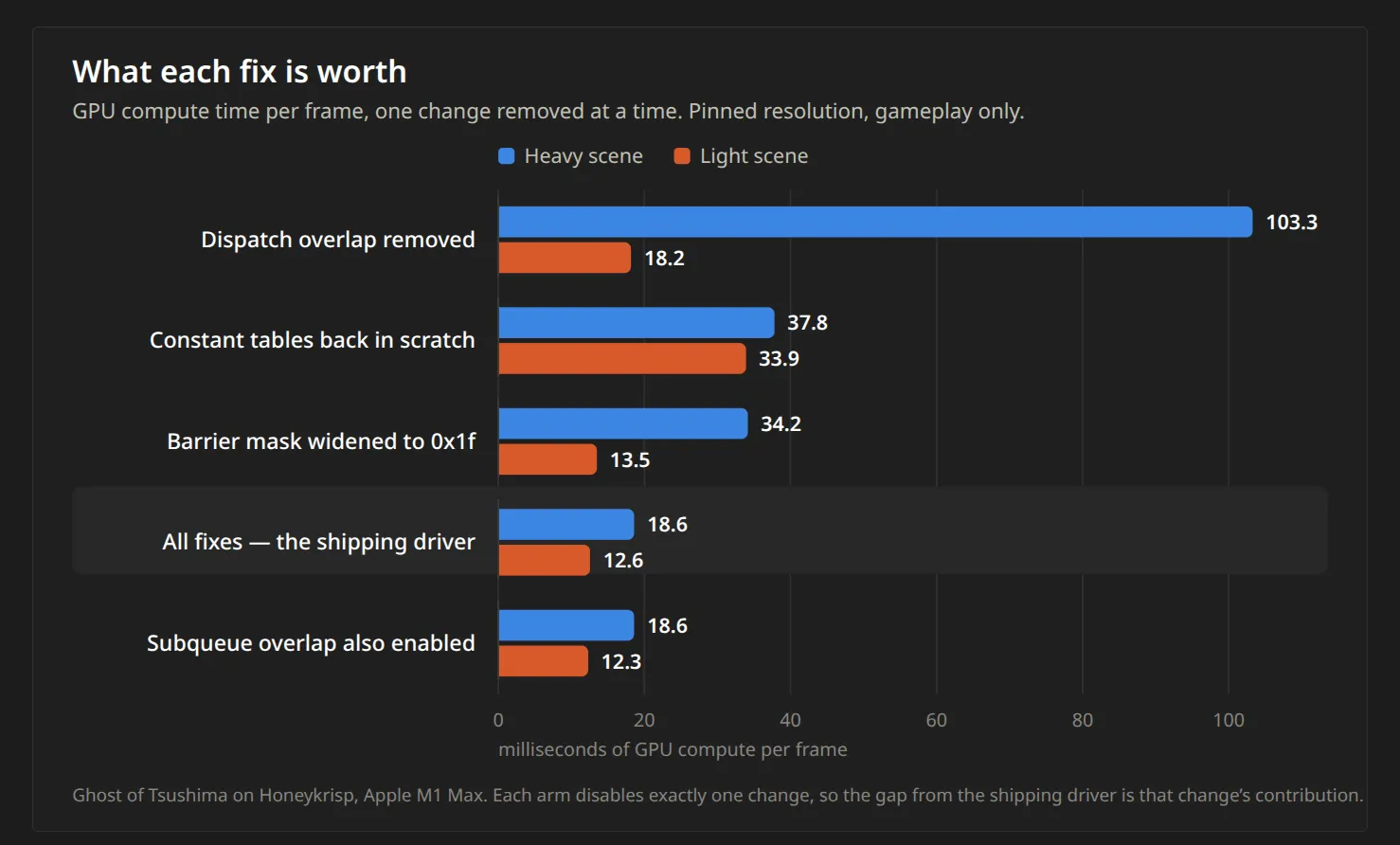
Ultimately the biggest wins came from improving concurrency.
It’s difficult to illustrate this progress in a visually interesting way, but suffice to say that I can now play this game on my used-grade M1 Max Macbook at ~35 fps in full HD, which is very respectable.
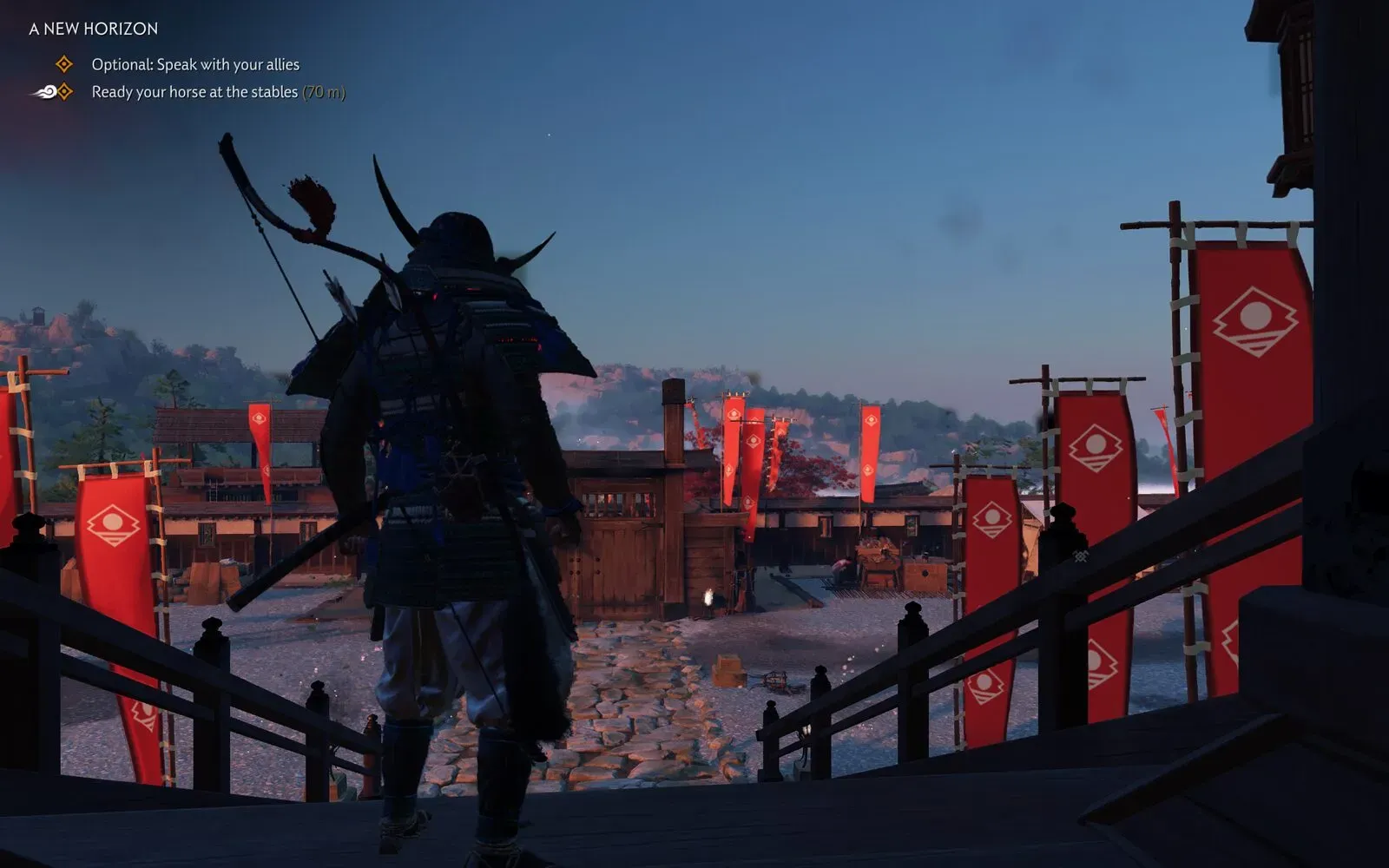
I don’t plan on submitting this work upstream as I don’t feel I understand the work deeply enough to support it in a pull request, but in the interests of helping others I’ve made everything public.
It’s all written up here by the AI agent for anyone who wants it: https://github.com/aquarat/got-bringup
Vulkan and GPU Compute
I took the above feedback approach and applied it to a machine I use for network-video-recording under Frigate (M1 Mac Mini). The result, along with the newly landed Apple Video Decoder work (aka AVD) made it possible to migrate these use cases from Mac OS to Fedora Asahi Remix Linux - very cool, as Mac OS is a terrible headless OS (and not a great OS for containers generally). As part of this migration I used Claude to optimise Frigate and Immich ML tasks on this hardware. More information on that is available here: https://github.com/aquarat/fedora-asahi-remix-notes